KeyboardCursor
A Windows tray app that moves, clicks, and drags the mouse pointer from the arrow keys, built for keyboards without a numpad.
- Electron
- JavaScript
- Windows
Problem
Windows has a built-in way to move the pointer without a mouse, but it needs a numpad, and most laptops and compact keyboards do not have one. When my mouse was not usable, that gap became a daily annoyance: there was no way to click anything without plugging in extra hardware. I wanted a tool that works with keys every keyboard already has.
What I built
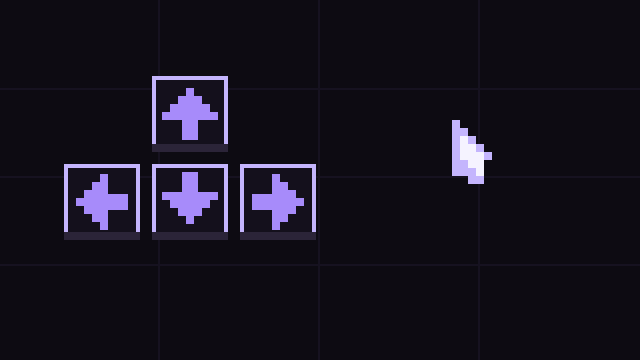
KeyboardCursor is a small app that sits in the system tray. Tap Right Shift and the arrow keys move the pointer, speeding up the longer a key is held. Right Ctrl taps to left-click and holds to drag, K right-clicks, and Right Shift switches back to normal typing. While cursor mode is on, the app captures those keys so arrow presses move the pointer instead of scrolling the page or typing into a text box. A settings window from the tray icon adjusts pointer speed and acceleration and shows whether cursor mode is active.
Demo
Moving, clicking, and dragging with the arrow keys, recorded on Windows.
Tech and approach
Built with Electron and JavaScript. The pointer movement runs on a loop that accelerates while a key stays held, so short precise nudges and fast trips across the screen both feel natural. Key capture only applies while cursor mode is on, which keeps normal typing untouched the rest of the time. The app ships as a regular Windows installer; because it is a small unsigned personal project, Windows shows an unknown publisher warning on first run, which the readme explains how to get past.